
We may earn commissions when you shop through the links below at no additional cost to you.
Entering the world of cybersecurity can be overwhelming. You are constantly told to "go practice hands-on," so you create an account on TryHackMe. However, the moment you log in, you are greeted by thousands of rooms, complex learning paths, and confusing technical jargon.
The biggest mistake absolute beginners make is jumping straight into advanced penetration testing or privilege escalation rooms without building core fundamentals. This leads to frustration and burnout.
To save your time, we have curated the definitive roadmap of the top 5 free TryHackMe rooms that every beginner must complete. These rooms require zero prior knowledge and will build your infrastructure, operating system, and networking foundations from scratch.
1. Tutorial: Overcoming the First-Time Platform Anxiety
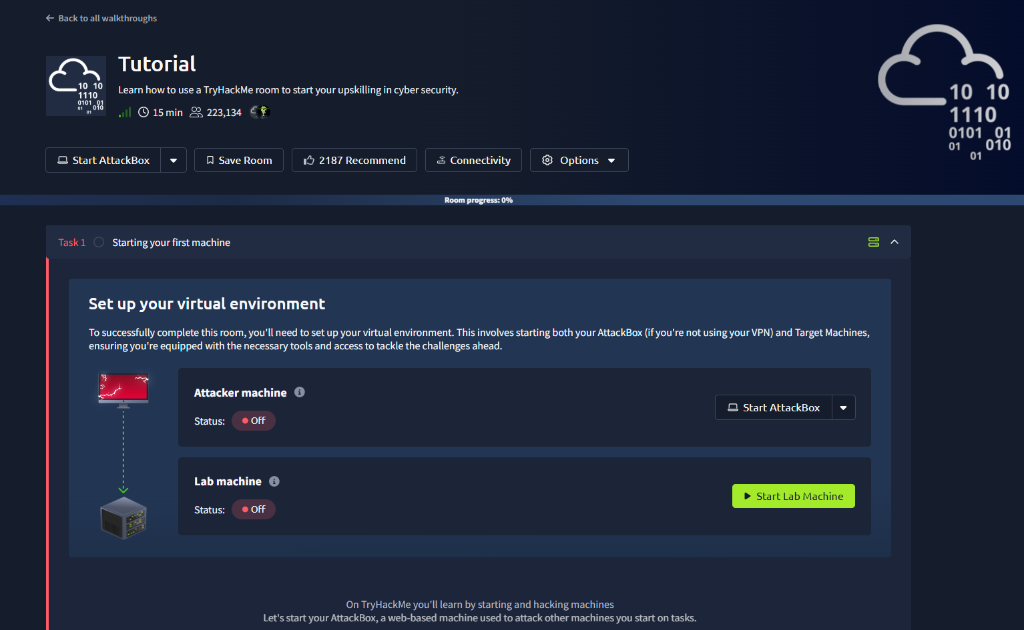
Before you can hack anything, you need to understand how the TryHackMe platform works. The Tutorial room is an absolute prerequisite. It teaches you how the site’s deployment system operates and introduces you to the concept of answering questions to get flags.
What you will learn: How to deploy an AttackBox (your in-browser hacking machine) and how to start a target vulnerable machine.
Why it matters: It eliminates the technical friction of setting up a local Kali Linux VM on your PC, allowing you to start learning immediately within your browser.
2. Linux Fundamentals (Part 1): Mastering the Hacker’s OS
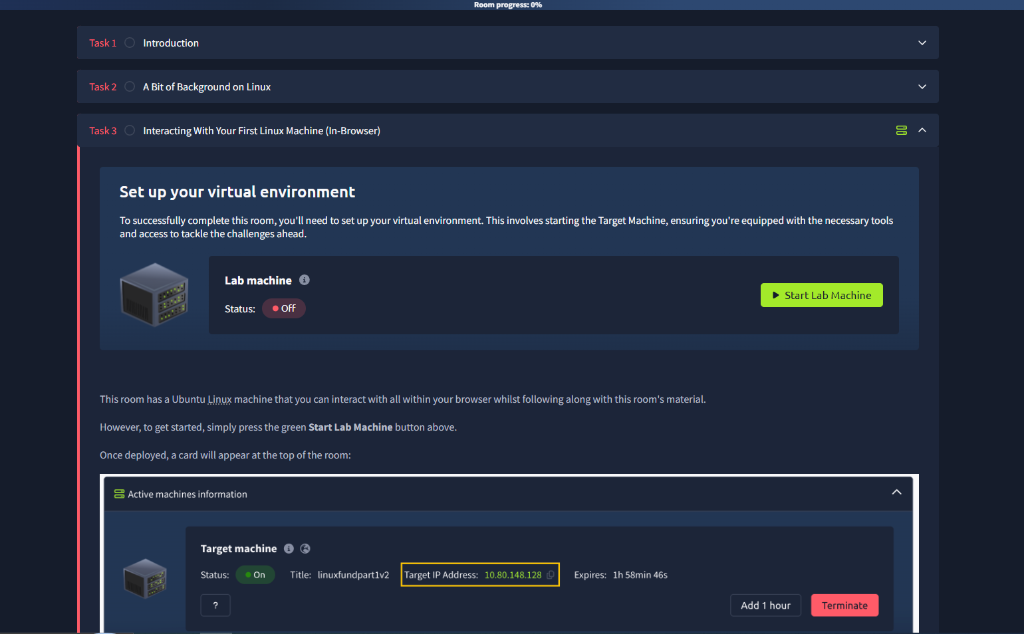
You cannot secure or attack a system if you do not know how to navigate it. Over 90% of hacking tools and enterprise servers run on Linux. The Linux Fundamentals Part 1 room is the perfect, non-intimidating gateway.
What you will learn: Basic command-line interface (CLI) navigation using commands like ls, cd, cat, and pwd.
Why it matters: Throwing away the Graphical User Interface (GUI) and relying solely on the terminal is the first mental shift required to become a real security professional.
3. Introductory Networking: Understanding How Data Moves
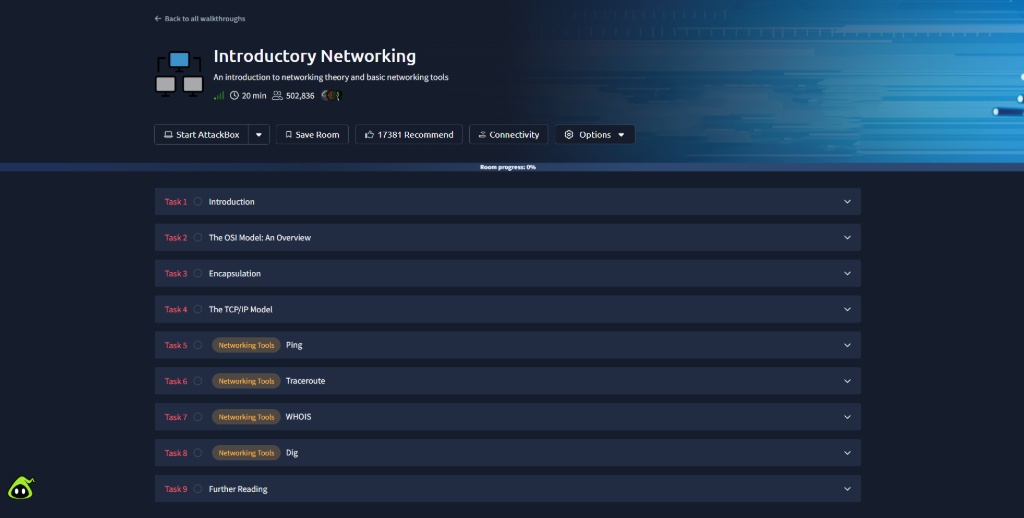
Cybersecurity is entirely built on top of networking. If you do not know how two computers talk to each other, you cannot identify malicious traffic or exploit a vulnerability. The Introductory Networking room breaks down complex protocols into digestible concepts.
What you will learn: The OSI Model, IP Addresses, packets, and essential command-line tools like ping, traceroute, and whois.
Why it matters: Understanding ports and protocols is what allows you to eventually use advanced scanning tools like Nmap effectively.
4. Introductory Researching: The Ultimate Superpower
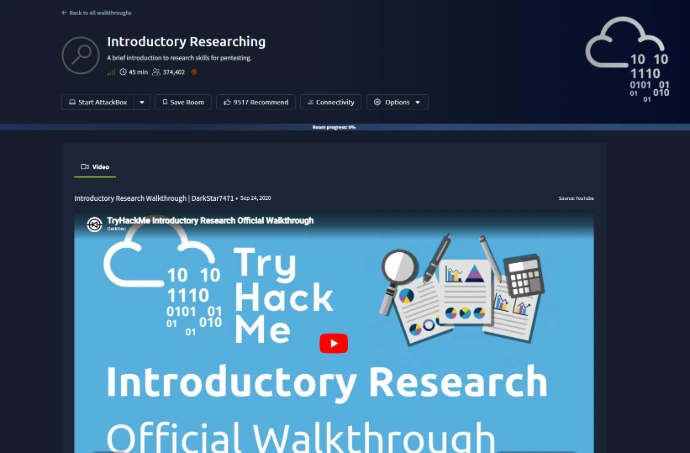
A common misconception is that elite hackers memorize every single exploit. In reality, they are just incredibly efficient at searching the internet. The Introductory Researching room teaches you how to look for information like a pro.
What you will learn: How to leverage Google dorks, read vulnerability databases (CVEs), and utilize public exploit archives.
Why it matters: When you get stuck on a difficult hacking challenge later on, your ability to research the error message or service version will be the only thing that saves you.
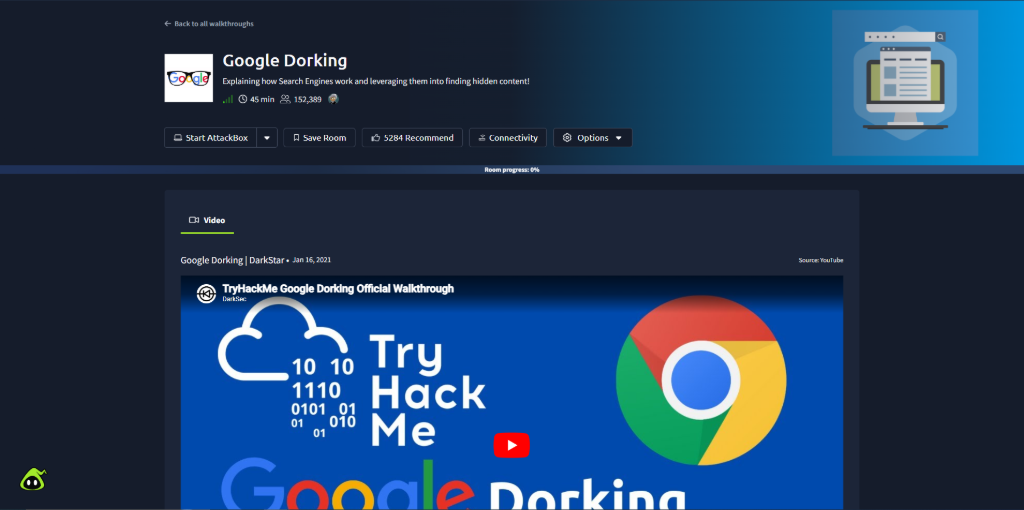
5. Google Dorking: Advanced Hacking via Search Engines
Building on your research skills, the Google Dorking room shows you how an innocent search engine can be turned into a powerful reconnaissance tool to find exposed sensitive data.
What you will learn: Advanced search operators like site:, filetype:, intitle:, and inurl: to uncover hidden directories, log files, and configuration vulnerabilities.
Why it matters: This room demonstrates passive reconnaissance, showing you how much critical data companies accidentally leak on the public internet without realizing it.
Conclusion: What to Do Next?
Completing these five rooms will bridge the gap between theoretical knowledge and practical competence. Once you clear these, you will no longer feel lost when opening a terminal or deploying a machine.
From here, your next logical step is to enroll in the structured Pre-Security Path or the Introduction to Cyber Security path on TryHackMe to continue your structured learning journey.
❓ Frequently Asked Questions (FAQ)
Q1: Are these TryHackMe rooms completely free?
Answer: Yes. All five rooms reviewed in this article are 100% free. You can start learning and hacking immediately after creating a basic account without needing a Premium subscription.
Q2: How long will it take to complete all five rooms?
Answer: It depends on your current background and pace, but on average, it takes about 3 to 5 days if you dedicate roughly 2 hours per day to hands-on learning.
Q3: Do I need to install Linux on my computer before starting?
Answer: Not initially. TryHackMe provides a built-in, browser-based Linux machine (AttackBox) for most tasks. However, as you progress, we highly recommend setting up Kali Linux or Parrot OS inside a virtual environment (like VirtualBox) for a better experience.
Q4: What should I do if I get stuck on a difficult challenge?
Answer: This is where your Introductory Researching skills come into play! Don't give up immediately. Copy the error message or service version, search for it on Google, check public write-ups, or ask the cybersecurity community. Researching is the ultimate superpower.