
Starting out in cybersecurity, you quickly realize that choosing your tools is just as important as choosing your learning path. The very next question after diving into the basics is inevitable: Which operating system should I install for my cybersecurity journey?
For years, one single name dominated every tutorial: Kali Linux. But in 2026, the landscape has evolved, and Parrot OS is no longer just a "lightweight alternative"—it is a serious contender that challenges the king.
Having spent years testing both systems on various hardware configurations, and breaking things in real-world environments, we are here to give you the raw, unfiltered truth. This guide will help you decide which OS deserves a spot on your machine today.
The Core Differences: A Quick Hardware & Tools Comparison
Before we dive into the technical details, let's look at how both systems stack up side-by-side in 2026.
| Feature | Kali Linux | Parrot OS (Security Edition) |
| Base Distribution | Debian Testing | Debian Stable |
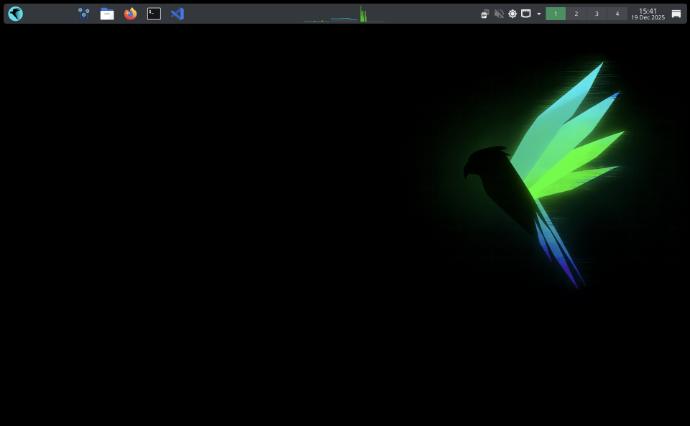
| Default Desktop Environment | XFCE (Customized) | MATE / KDE |
| RAM Consumption (Idle) | ~1.2 GB - 1.5 GB | ~600 MB - 800 MB |
| Target Audience | Enterprise Pentesters & Veterans | Pentesters, Developers, & Privacy Advocates |
| Out-of-the-Box Security | Standard | Sandboxed applications & pre-configured Tor |
| Hardware Friendly | Resource-heavy on low-spec PCs | Excellent for older PCs and low-spec laptops |
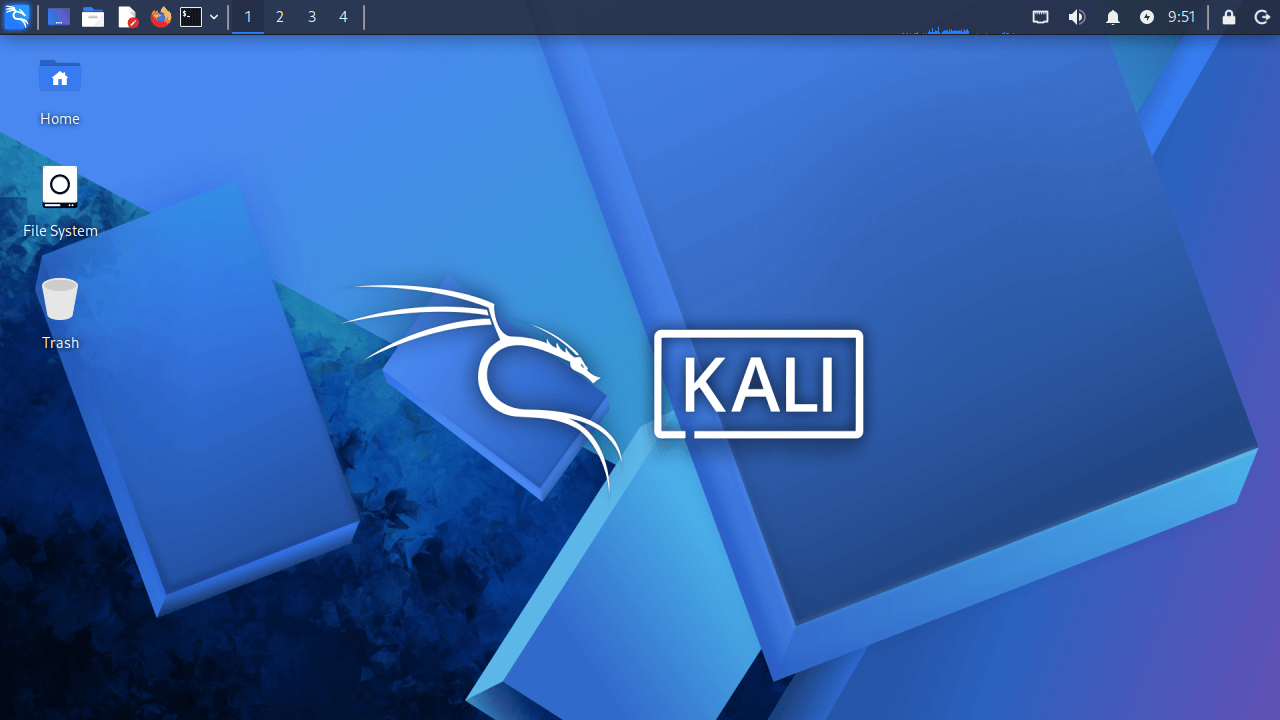
Why Kali Linux Remains the Industry Standard
There is a reason why almost every cybersecurity course, YouTube tutorial, and certification exam uses Kali Linux.
1. Unmatched Community and Documentation
When you are learning, things will break. If you encounter a weird dependency error while installing a tool on Kali, a quick Google search will yield hundreds of forum posts resolving that exact issue. The sheer size of the Offensive Security community is Kali's greatest shield.
2. Built for Enterprise Environments
Kali is designed as a highly specialized, single-purpose weapon. It comes pre-packaged with over 600 advanced tools, all optimized to run seamlessly. It does not try to be a daily driver; it is built strictly for professional penetration testing and offensive operations.
Why Parrot OS Shines in the Cybersecurity Scene
While Kali takes the spotlight, Parrot OS has quietly built an incredibly loyal following, particularly among students and those running budget hardware.
1. Incredible Performance on Limited Hardware
If you are running your system on a laptop with limited RAM, Kali Linux can easily cause severe system lag. In our testing, Parrot OS Security Edition runs smoothly on just 1 GB of RAM, making it the perfect choice for older hardware.
💻 Setup Tip: Whether you decide to install these systems as a primary OS or run them safely inside a virtual environment, you will need a proper setup. If you prefer the virtual route, check out our step-by-step guide on how to build your first hacking lab using VirtualBox to get your workspace ready.
2. Out-of-the-Box Privacy & Daily Driver Usability
Unlike Kali, which is strictly a "boot, hack, shutdown" OS, Parrot is designed to be used as a daily driver. It comes with standard productivity tools, office suites, and AnonSurf, a pre-installed utility that routes your entire system traffic through the Tor network with a single click.
The Real Flaws: What They Don't Tell You
No operating system is perfect. Here is the frustrating truth about using both platforms in 2026:
Kali's Resource Bloat: Kali has gotten heavy. If you launch it on older hardware, your system fans will likely start screaming unless you have a modern processor.
Parrot's Update Delay: Because Parrot OS relies on Debian Stable for its core, some non-security tools might not always be on the absolute bleeding edge version compared to Kali's rolling release system.
The "Script Kiddie" Trap: Both systems pre-install hundreds of tools you will never use. Do not fall into the trap of thinking that having 600 hacking tools installed makes you a hacker. True mastery comes from aligning your system with a clear cybersecurity roadmap and mastering one tool at a time.
Our Verdict: Which Hacking OS is Best for You?
Choosing between Kali Linux and Parrot OS comes down to your personal workflow and hardware.
If you are looking for an industry standard environment, want maximum tool support, and plan to follow standard cybersecurity courses, Kali Linux remains the top choice. However, if you are working on a budget laptop, prefer a smoother user interface, or want a system that can double as your daily operating system, Parrot OS is exceptionally well-suited for your needs.
❓ Frequently Asked Questions (FAQ)
Can I run Kali or Parrot OS on a standard Windows laptop?
Yes. You can easily run both operating systems using virtual machine software like VirtualBox or VMware, allowing you to practice safely without altering your main Windows installation.
Which OS is better for absolute beginners?
Parrot OS is generally considered slightly friendlier for beginners because of its intuitive interface and lower hardware requirements. However, learning Kali Linux early is highly recommended since it is the tool you will encounter most in professional environments.
Do these operating systems guarantee anonymity?
No operating system guarantees 100% anonymity out of the box. While Parrot OS includes useful built-in privacy tools like AnonSurf, true anonymity depends on your network habits, safe browsing practices, and proper configuration.
🔥 Next Step on Your Roadmap
Now that you know which OS to install, it’s time to choose where to practice your skills safely. Read our deep dive into TryHackMe vs Hack The Box for Beginners to find your perfect starting platform.