
We may earn commissions when you shop through the links below at no additional cost to you.
When setting up your security lab or conducting penetration tests, relying on a free VPN is an outright threat to your operational security (OpSec). During our extensive red teaming exercises and lab setups over the past few years, we’ve witnessed free VPNs leak DNS queries, drop kill switches unexpectedly, and throttle bandwidth right in the middle of a reverse shell connection.
If you take ethical hacking, bug bounty hunting, or network security seriously in 2026, an audited, paid VPN with high-performance protocols is a non-negotiable tool in your stack.
In this guide, we evaluate the top 5 paid VPNs engineered for security researchers, testing their real-world capabilities under heavy network scanning and traffic interception.
What Makes a VPN Suitable for Ethical Hacking? (Evaluation Criteria)
Not all commercial VPNs are built to handle penetration testing traffic. Standard consumers look for streaming unblocks; penetration testers look for low-level network performance and ironclad anonymity.
When testing these providers in our labs, we evaluated them strictly against four technical parameters:
Audited No-Logs Policy: Independent third-party security audits verifying that connection logs, IP timestamps, and bandwidth metrics are never written to disk.
Leak Protection & Kill Switch: Robust protection against DNS, IPv6, and WebRTC leaks. A failure in the kill switch means your ISP immediately sees your real IP during an active exploit.
Port Forwarding & Dedicated IPs: Essential features for receiving incoming connections, managing reverse shells, and keeping your lab environment stable.
Modern Lightweight Protocols: Native support for WireGuard and custom OpenVPN configurations to ensure minimal latency during heavy brute-force or port-scanning tasks.
1. NordVPN: Best Overall for Security Labs and Mesh Networks
NordVPN remains our top recommendation for security professionals who need a balance between aggressive encryption and blistering connection speeds. Powered by their custom NordLynx protocol (built directly on WireGuard), it consistently maintains low ping times during high-bandwidth operations.
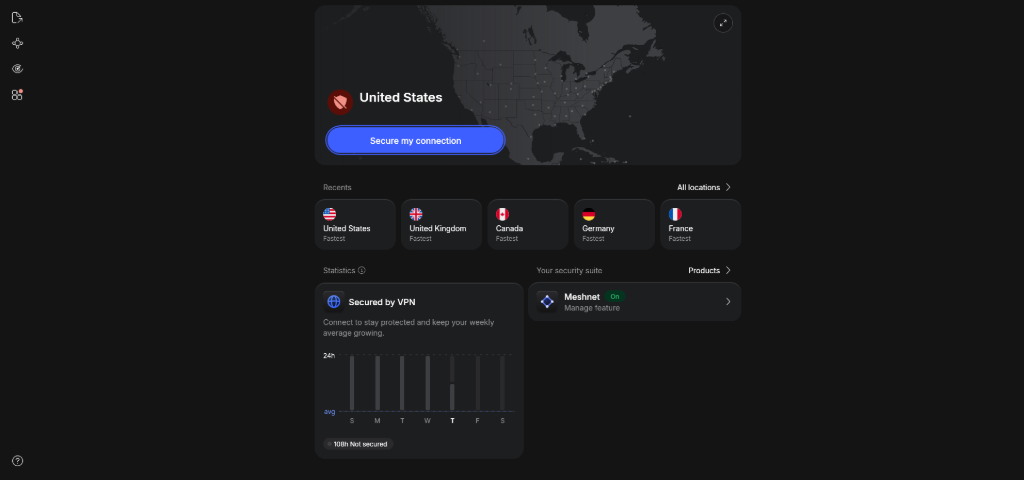
During our internal testing, NordVPN’s Meshnet feature proved invaluable. It allows you to route traffic through your own remote devices safely, effectively creating a private encrypted network for remote lab machines without complex port forwarding.
Key Technical Specs:
Protocols: NordLynx (WireGuard), OpenVPN (UDP/TCP), IKEv2.
No-Logs Verification: Independently audited multiple times by Deloitte.
Standout Feature: Double VPN (routes traffic through two distinct encrypted servers).
Pros & Cons:
Pros: Extremely fast throughput; built-in obfuscated servers to bypass restrictive firewalls; RAM-only server architecture.
Cons: The desktop interface can feel slightly cluttered for minimalist Linux power users.
Backed by a 30-Day Money-Back Guarantee
2. ExpressVPN: Unmatched Reliability and Proprietary Encryption
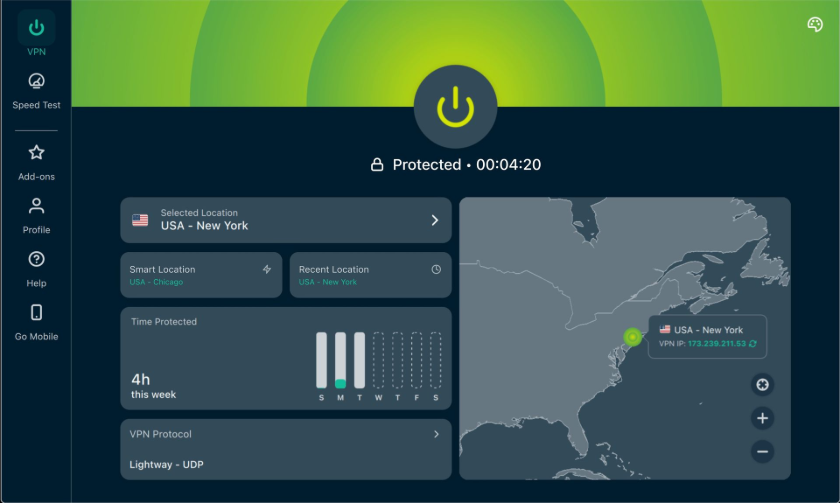
If your priority is absolute reliability without tinkering with complex settings, ExpressVPN is the gold standard. Built on their custom open-source Lightway protocol, connection establishment takes under a second, and reconnects seamlessly if your underlying network drops.
Their TrustedServer technology ensures that every server runs exclusively on volatile RAM memory rather than hard drives. Every time a server reboots, all operational data is permanently wiped clean.
Key Technical Specs:
Protocols: Lightway (UDP/TCP), OpenVPN, IKEv2.
No-Logs Verification: KPMG audited; operating under strict privacy jurisdiction.
Standout Feature: Custom router firmware to protect entire hardware lab setups.
Pros & Cons:
Pros: Rock-solid stability during long-running automated tasks; excellent native CLI support for Linux distributions.
Cons: Higher price point compared to competitors.
3. Surfshark: Best Value with Unlimited Concurrent Connections
Surfshark has grown into a heavyweight security suite. For independent researchers or small security teams operating on a budget, Surfshark offers unlimited device connections under a single account without throttling bandwidth.
We particularly liked its MultiHop (Dynamic Double VPN) capability, allowing you to chain two custom VPN servers in different geographic locations to make traffic analysis virtually impossible for external observers.
Key Technical Specs:
Protocols: WireGuard, OpenVPN, IKEv2.
No-Logs Verification: Fully audited by Cure53 and Deloitte.
Standout Feature: IP Rotator (automatically changes your IP address every few minutes without dropping your connection).
Pros & Cons:
Pros: Exceptional price-to-performance ratio; IP Rotator adds an extra layer of active anonymity.
Cons: Occasional CAPTCHA prompts when browsing standard websites due to shared IP density.
4. CyberGhost: Specialized Servers for Privacy and P2P
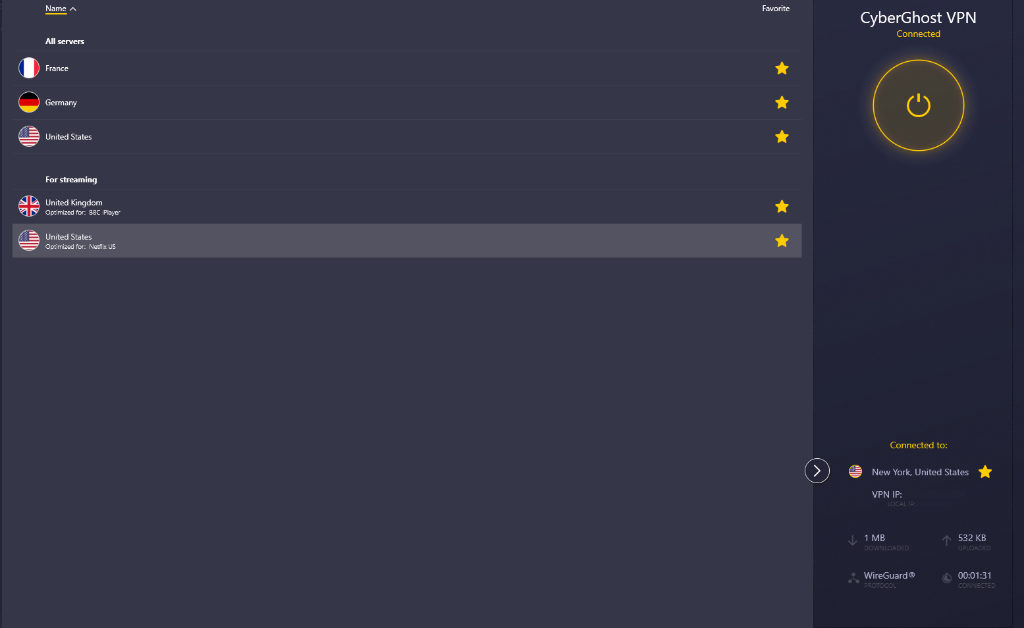
CyberGhost provides a massive infrastructure of over 9,000 servers globally, but its real advantage for researchers lies in its NoSpy Servers. Located in a private datacenter in Romania (outside 5/9/14 Eyes alliances), these servers are fully owned, operated, and maintained in-house by CyberGhost staff.
During our testing, routing traffic through NoSpy nodes yielded lower latency and higher isolation from public noisy-neighbor traffic, making it ideal for continuous background security monitoring.
Key Technical Specs:
Protocols: WireGuard, OpenVPN, IKEv2.
No-Logs Verification: Deloitte audited.
Standout Feature: In-house managed NoSpy server infrastructure.
Pros & Cons:
Pros: Massive server network; specialized servers tailored for dedicated privacy.
Cons: OpenVPN speeds can lag behind WireGuard on distant nodes.
5. Mullvad VPN: The Gold Standard for Radical Anonymity
If your threat model demands absolute radical privacy where you don't even trust the VPN provider with your email address, Mullvad is the undisputed king. You do not provide an email, password, or name; Mullvad simply generates a random 16-digit account number for login.
Mullvad accepts cash and cryptocurrency payments, supports full Port Forwarding setups natively, and operates with a flat €5/month pricing model. It is designed from the ground up for privacy purists.
Key Technical Specs:
Protocols: WireGuard, OpenVPN.
No-Logs Verification: Audited by Assured AB and Cure53; fully open-source apps.
Standout Feature: Zero personal data required during account registration.
Pros & Cons:
Pros: Flawless privacy practices; supports anonymous payments; fully open-source code.
Cons: No fancy extra features like Meshnet or built-in antivirus tools.

Conclusion & Final OpSec Takeaway
Selecting the right VPN for ethical hacking comes down to your specific threat model. If your workflow requires high-speed lab routing and advanced features like Double VPN, NordVPN is the most versatile driver. If your operational security demands absolute anonymity without leaving an identity or payment trail, Mullvad VPN remains the unmatched standard.
Never compromise your underlying host environment with unverified infrastructure—always maintain an audited, kill-switch-protected tunnel before launching any network diagnostics or lab setups.
❓ Frequently Asked Questions (FAQ)
Can I use a free VPN for penetration testing and bug bounty hunting?
No. Free VPNs often log user activity, sell bandwidth, and leak DNS/WebRTC queries. Furthermore, most free VPN providers ban high-volume port scanning (like Nmap) and will terminate your account or block your IP instantly.
Will a VPN completely hide my Nmap scans from target firewalls?
A VPN hides your real public IP address from target log files and routes your scanning traffic through an encrypted tunnel. However, modern Web Application Firewalls (WAFs) and Intrusion Detection Systems (IDS) can still detect the scanning behavior itself—they will simply block the VPN server’s IP instead of your personal home IP.
What is the difference between NordLynx, Lightway, and standard OpenVPN?
NordLynx (NordVPN) and Lightway (ExpressVPN) are lightweight, modern protocols optimized for speed and fast reconnection times. OpenVPN is an older, highly battle-tested industry standard that offers extreme stability across legacy network configurations, though it typically incurs higher latency during heavy security scans.
Does port forwarding on a VPN expose my local lab environment?
Port forwarding opens a specific port on the VPN server to direct incoming traffic to your device (essential for reverse shells). While necessary for specific red-teaming tasks, it does slightly increase your attack surface, so you should always run active firewalls on your local host when port forwarding is enabled.