
We may earn commissions when you shop through the links below at no additional cost to you.
When hardening an endpoint against modern malware, ransomware, and zero-day exploits, many users face a dilemma: should you deploy Bitdefender, rely on Malwarebytes, or configure both together? While frequently compared head-to-head, they were fundamentally engineered with different architectural priorities.
Bitdefender operates as a full-spectrum, autonomous security suite designed to block incoming perimeter attacks. Malwarebytes excels at precision heuristic scanning and aggressively purging deeply entrenched payloads that bypass traditional defenses.
Prevention vs Remediation: The Two Defense Layers
First Line of Defense (Bitdefender): Inspects incoming web traffic, blocks suspicious network ports via its dedicated firewall, and stops malicious payloads before they can write to disk.
Secondary Threat Hunter (Malwarebytes): Scans active memory and registry keys to isolate zero-day behavior, script-based attacks, and aggressive adware that slip past traditional file scanners.
Head-to-Head Feature Comparison
| Security Layer | Bitdefender Total Security | Malwarebytes Premium |
| Real-Time Defense | Multi-Layer Signature & Behavioral | Signature-less Behavioral Shield |
| Integrated Firewall | Included (Custom Rules & Stealth Mode) | Relies on OS Firewall |
| Ransomware Rollback | Automated Local Shadow Cache | Behavioral Execution Blocker |
| Idle Memory Footprint | ~250–450 MB RAM | ~100–180 MB RAM |
| Core Utility | Proactive System Shield | Deep Remediation & Exploit Cleanup |
| Direct Access | Explore Bitdefender Security | Explore Malwarebytes Plans |
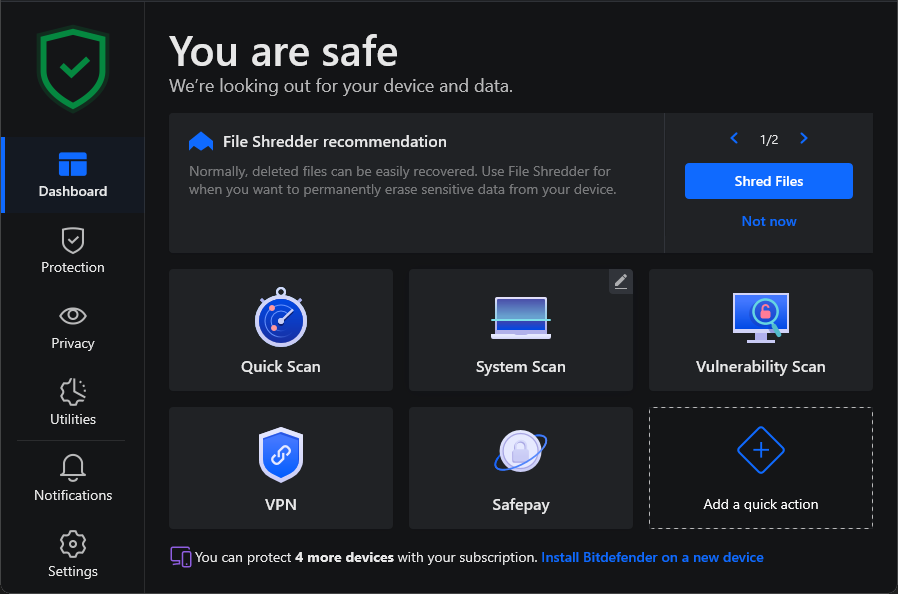
1. Bitdefender: When to Choose as Your Primary Suite
Bitdefender provides an autonomous, hands-off barrier suitable for covering entire multi-device households.
Autonomous Threat Prevention: The engine constantly inspects active system memory and network packets, killing unauthorized execution attempts before disk writes occur.
Granular Network Firewall: Replaces standard Windows Defender firewall configurations with advanced packet filtering and port-scan blocking.
Adaptive Resource Tuning: Leverages Photon™ technology to throttle deep background scanning during high CPU and GPU workloads.
Ideal Scenario: If you want a complete, all-in-one security umbrella covering family devices with automated firewall, anti-phishing, and webcam protection, Bitdefender Total Security serves as the primary system gatekeeper.
2. Malwarebytes: When to Use for Focused Threat Remediation
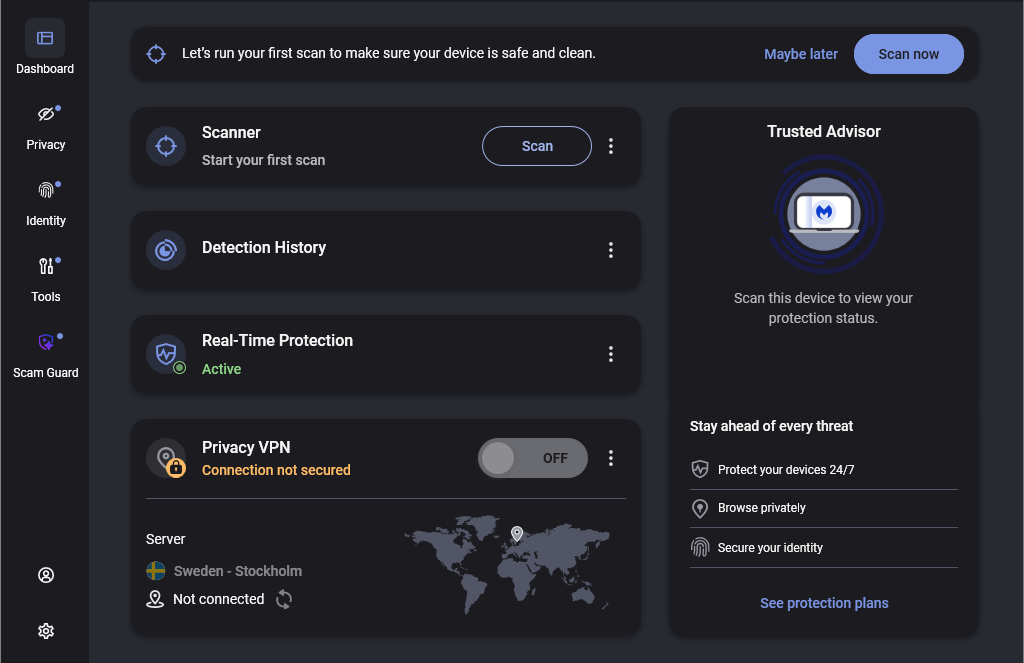
Malwarebytes remains the go-to utility for fast, targeted disinfecting and low-overhead protection.
Aggressive Zero-Day Heuristics: Pinpoints emerging PUPs (Potentially Unwanted Programs) and hidden registry modifications often overlooked by broad-spectrum antivirus databases.
Ultra-Lightweight Footprint: Consumes minimal RAM and negligible idle CPU, making it an excellent security tool for pentesting labs, developer environments, and gaming PCs.
Non-Intrusive Engine: Designed to execute on-demand deep scans in under three minutes without locking system threads.
Ideal Scenario: If you need a lightweight scanner that won't disrupt virtual environments or game performance, or if you need an aggressive cleanup tool for an already infected PC, Malwarebytes Premium offers direct, surgical remediation.
The Multi-Layered Strategy: Running Both Together
Because their core detection routines handle separate phases of an attack lifecycle, security analysts frequently run both tools simultaneously for total coverage:
Deploy Bitdefender as your permanent real-time shield and firewall to handle network perimeter filtering and automatic ransomware rollback.
Deploy Malwarebytes alongside it as an on-demand secondary scanner to run targeted weekly disinfection sweeps against stealthy adware and fileless scripts.
The Verdict
Select Bitdefender for autonomous, continuous background defense, or deploy Malwarebytes for lightweight on-demand disinfection and minimal lab overhead:
❓ Frequently Asked Questions (FAQ)
Can I run Malwarebytes and Bitdefender together without conflicts?
Yes. Malwarebytes is explicitly engineered to coexist alongside full-scale antivirus solutions without triggering driver collisions. You can keep Bitdefender active for real-time background protection and use Malwarebytes as an on-demand secondary scanner.
Does Malwarebytes replace a traditional firewall?
No. Malwarebytes filters web and DNS traffic through its browser extensions and shielding modules, but it relies on the native Windows Firewall for port management. Bitdefender includes a proprietary, bidirectional packet-filtering firewall with active stealth rules.
Which security software has less impact on gaming and pentesting labs?
Malwarebytes maintains a significantly lower idle memory footprint (~100–180 MB RAM) and runs fewer continuous system daemons, preventing frame drops and background bottlenecks during intensive lab virtualization or gaming sessions.
How does Bitdefender recover files during a ransomware attack?
Bitdefender maintains an isolated, tamper-proof local shadow cache. If an unauthorized zero-day process attempts mass encryption, the engine terminates the executable immediately and automatically restores the affected files from the secure cache.