
A phone battery should not drop from 100% to 40% after a short period of normal use. If that happens regularly, something is consuming more power than it should. The cause could be as simple as background apps—or as serious as hidden malware. Let’s look at the 7 most common reasons your phone is losing power and how you can fix it today.
7 Reasons Your Phone Battery Is Draining Fast
1. Heavy Background Apps
Many apps keep running long after you switch to something else. Social media platforms, maps, and gaming apps constantly refresh in the background to fetch updates, which silently eats away your battery life.
The Fix:
Go to your phone's settings, check battery usage, and restrict background activity for apps you don’t use frequently.
2. High Screen Brightness and Refresh Rates
Your screen is the biggest power consumer on your device. Keeping your brightness at maximum or using a continuous high refresh rate (like 120Hz) will drain your percentage in record time.
The Fix:
Enable "Auto-Brightness" and lower your screen refresh rate to standard (60Hz) if you need to save power.
3. Location Services and GPS Running 24/7
Apps like ride-sharing, food delivery, and weather track your precise location continuously. If your GPS is constantly pinging cell towers, your battery will drain rapidly.
The Fix:
Change app permissions so they can only access your location "While Using the App."
4. Poor Cellular Network Coverage
If you are in an area with weak signal, your phone will increase its transmission power to stay connected to the nearest tower. This constant searching and switching between 4G and 5G is a hidden battery killer.
The Fix:
Switch to Wi-Fi whenever possible, or turn on Airplane Mode if you are in a complete dead zone.
5. Recent Software Updates or System Bugs
Sometimes, a new operating system update contains bugs that cause system loops, forcing your processor to work harder than it needs to. Conversely, running an outdated system can also cause optimization issues.
The Fix:
Keep your phone updated to the latest patch, as manufacturers release hotfixes for battery drain bugs quickly.
6. Natural Battery Degradation
Lithium-ion batteries are consumable components that age over time. If your phone is more than 2-3 years old, its chemical capacity has naturally dropped, meaning 100% on your screen might only hold 80% of the original power.
The Fix:
Check your maximum battery health in settings. If it is below 80%, it might be time for a professional battery replacement
Reason #7: Hidden Malware & Crypto-Jacking
If you've checked all the reasons above and your phone is still experiencing unusual overheating, severe lag, or apps consuming excessive battery, you might be dealing with a security threat. One of the most common cyber threats causing this is Crypto-jacking malware.
What is Crypto-Jacking Malware?
Crypto-jacking is a silent cyber threat where hackers hijack your phone’s processor to mine cryptocurrency without your permission. Mining requires massive computing power. To avoid paying for server infrastructure, hackers hide background mining scripts inside malicious apps or infected web links, forcing your phone to work at maximum capacity 24/7.
Symptoms of Malware & Crypto-Jacking:
Unusual Overheating: Your phone stays hot even when sitting idle in your pocket or when no apps are open.
Severe Performance Lag: The device stutters during simple tasks because the hidden script is hogging your system resources.
Accelerated Battery Wear: Your device may experience accelerated battery wear over time because the mining script continuously consumes system resources.
How to Fix Battery Drain & Remove Threats
To fix your phone's battery drain and clean up any potential security risks, follow these direct steps:
Optimize Everyday Settings: Turn down screen brightness, enable auto-brightness, restrict background usage for heavy apps, and turn off location services for apps that don't need it.
Uninstall Suspicious Apps: Go to your app list and immediately delete any applications you don't recognize or downloaded outside official app stores.
Clear Browser Cache: Close all active tabs and clear your mobile browser's data, as some mining scripts run directly inside web pages.
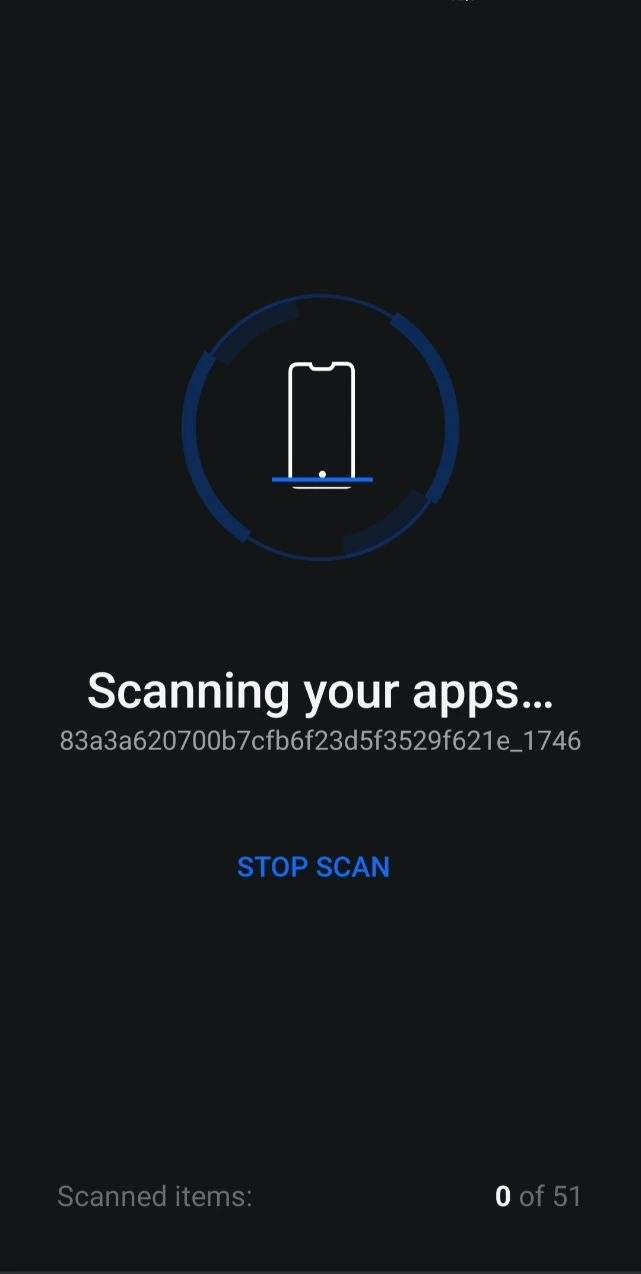
Run a Security Scan: Use a trusted, reputable anti-malware application to scan your system and wipe out hidden threats.
💡 Note: If your phone also shows unusual behavior, read our guide on How to Scan Your Phone for Hidden Spy Apps.
Frequently Asked Questions (FAQ)
Can malware really drain my phone battery?
Yes. Malware especially spyware and background crypto-miners runs continuously in the background. By forcing your processor to work heavily 24/7, it quickly exhausts your charge and degrades battery health.
Can an iPhone get crypto-jacking malware?
While iOS has a strict ecosystem, iPhones are not 100% immune. They can encounter crypto-jacking scripts through malicious browser tabs, phishing links, or if the device has been jailbroken to download untrusted apps.
Does a factory reset remove crypto-jacking malware?
In almost all cases, yes. A factory reset wipes the device's internal storage and completely deletes unauthorized background scripts. Just ensure you restore your data from a clean backup created before the symptoms started.
Conclusion
A fast-draining battery isn't always a sign that your phone is broken. By managing your background apps, adjusting your screen settings, checking for unusual overheating, and staying safe from malicious files, you can keep your device running smooth and secure.